
Search
Custom Horse Show Icons
Blue Ribbon Upgrades allow you to customize the icon or image used for your shows.
This helps give your public pages and event listings a more polished and visually organized appearance.
Where to Find It
During show creation:
- Locate the Show Image section
- Upload your own image
or - Choose from the built-in EZ Show Manager icon library
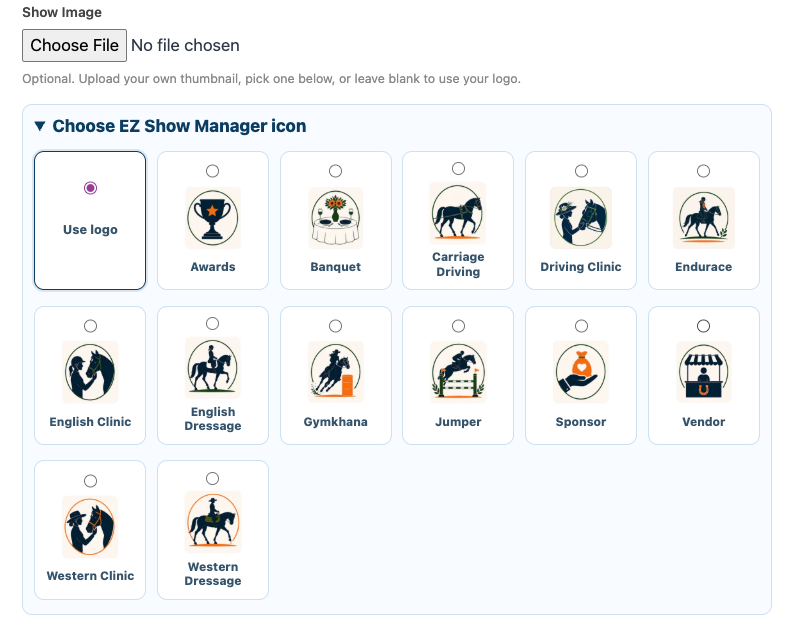
Uploading Your Own Image
You may upload a custom thumbnail image for your event.
Supported uses include:
- Club logos
- Event banners
- Sponsor graphics
- Custom show artwork
If no image is uploaded, your organization logo will be used automatically.
Built-In Icon Library
EZ Show Manager includes a growing collection of built-in icons for common event types such as:
- Dressage
- Driving
- Clinics
- Jumper
- Gymkhana
- Vendor
- Sponsor
- Awards
- Banquets
- Endurance
- Western events
👉 Simply select the icon that best fits your event.
Why Use Custom Icons
Custom icons help:
- Add personality to your public pages
- Make event cards easier to recognize
- Improve visual organization for exhibitors
- Create a more professional appearance
How Icons Are Used
Selected images and icons appear on:
- Public page event cards
- Featured event listings
- Blue Ribbon page layouts
Important Notes
- Show images are optional
- If left blank, your organization logo will be used
- Available icons may expand over time
Availability
Custom Public Page tools and enhanced show branding are currently available by invite only to approved:
- Non-profit clubs
- Organizations
For more information, contact: