
Understanding Payments & Payouts
Learn how show pricing, online checkout, walk-in cash, financial tracking, and Stripe payouts work together.
About 6 minutes · Reviewed for EZSM 5.2.537Creating a show or clinic
There is no separate per-show creation charge. Creating and managing shows or clinics is included with your Show Manager membership, so you can set up as many events as your membership allows.
Setting entry prices
You control the prices exhibitors pay. The available pricing methods depend on the event type and can include:
- Flat fee per entry: one entry price regardless of the number of classes selected.
- Price per class or test: the total is based on the classes or tests selected.
- Price per division: one division price covers the classes assigned to that division.
- Event-specific pricing: clinics, unmounted events, and dressage-style events provide additional pricing choices suited to their entry forms.
Add-ons
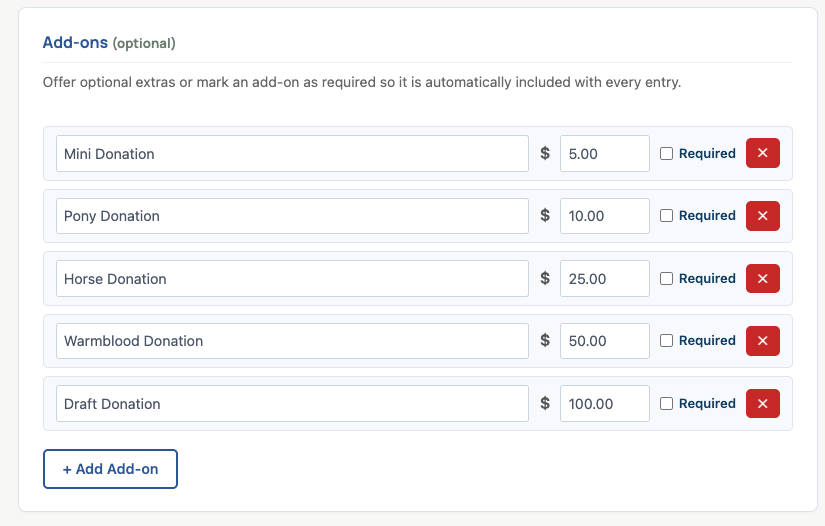
Add-ons let you charge for extras such as stalls, grounds fees, meals, or special activities. Enter a name and price for each add-on, and choose whether it is optional or automatically required.
Nonprofit organizations can also use an optional add-on as a fundraiser or donation opportunity. Give the add-on a clear name, briefly explain the cause, and leave it optional so exhibitors can choose whether to contribute. Research on checkout giving has found that short messages and clear descriptions of a charity's mission can increase both the likelihood of donating and the average donation amount.
Online checkout fees
For online entries, EZ Show Manager adds the applicable service and card-processing amount at checkout. That checkout amount is paid by the exhibitor rather than being taken from the organizer's configured entry prices.
Refunds and any applicable adjustments can change the final amount. The dashboard and reports show the current expected payout.
Walk-in entries and the cash box
A secretary can add a day-of entry from the Secretary Office. EZ Show Manager calculates the selected entry pricing and add-ons so the secretary knows how much cash or other on-site payment to collect.
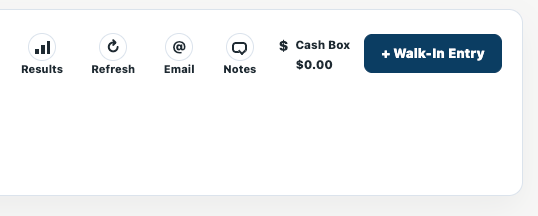
Walk-in and add/drop cash stays with the show and is tracked separately as cash-box activity. The current system does not add an EZSM platform fee to walk-in entries.
Tracking your money
The Show Manager dashboard and reports keep the online and on-site activity separate. Depending on the show, you can review:
- Online amounts collected
- Processed refunds
- Walk-in and add/drop cash-box activity
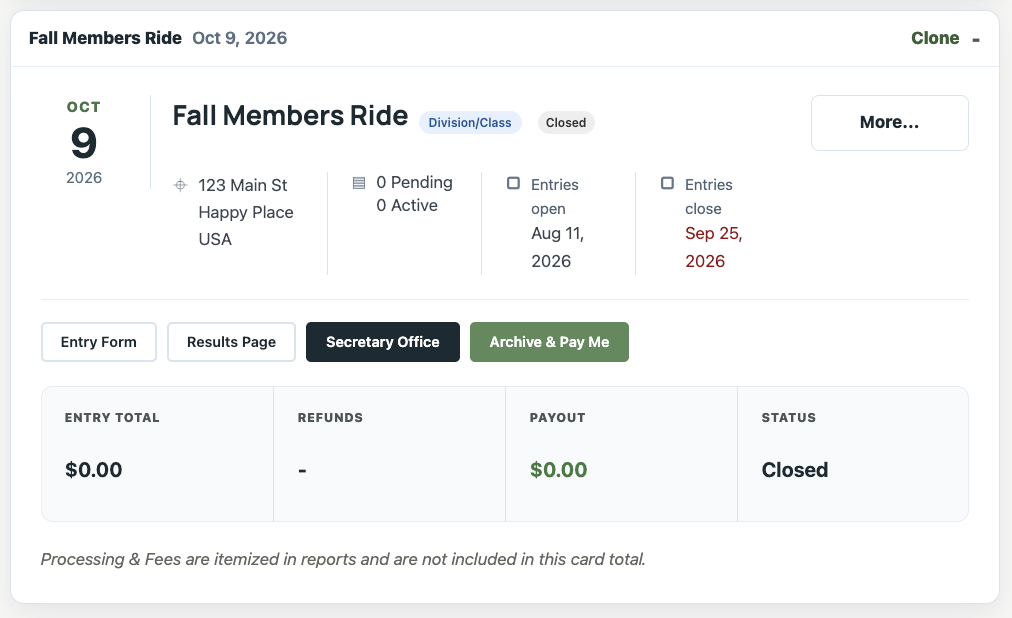
- The current expected payout
- Payout status
Requesting your payout
- Finish the show and confirm that its entries, refunds, and cash activity are correct.
- Select Archive & Pay Me.
- The show moves out of the active-show list and its payout status changes to processing.
- After review, the online payout is sent to the connected Stripe account.
Tax reporting
Tax-form requirements depend on the type and amount of payments and may change over time. EZ Show Manager or its payment processor will provide any applicable payment-reporting forms when required. Keep your own records and consult a tax professional about your organization's reporting obligations.