
Search
Using Public Notes for Updates
Public Notes allow show managers or secretaries to communicate important information directly on the Results Page.
Where Notes Appear
- Displayed at the top of the Results Page
- Visible to all exhibitors
Common Uses
- Schedule changes
- Delays
- Safety announcements
- Weather updates
- Cancellations
How to Add a Note
- Go to the Secretary Office
- Click Public Note
- Enter your message
- Save
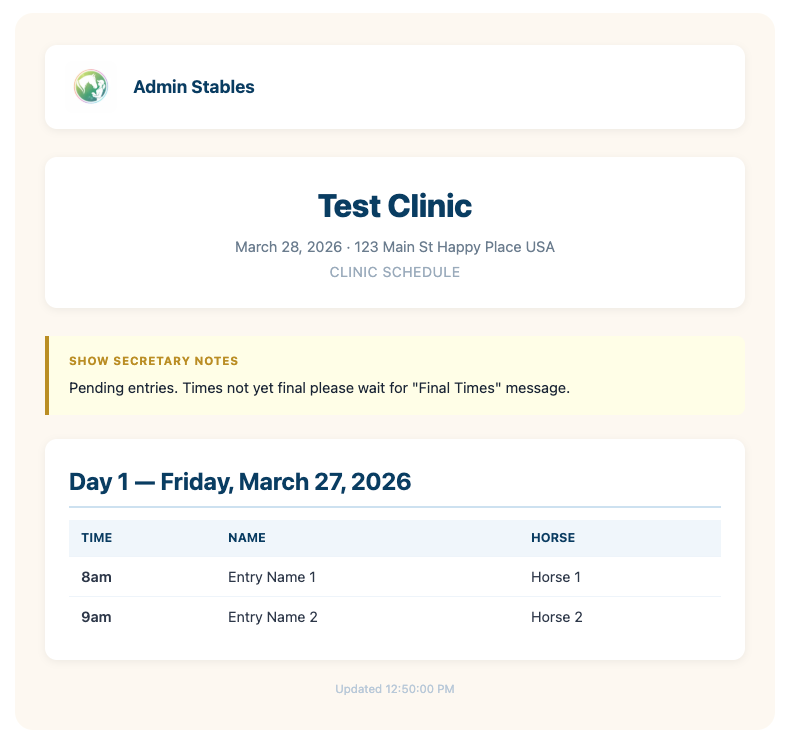
Color Behavior
- Default: Yellow note card
- If the word “Canceled” is used → note displays Red
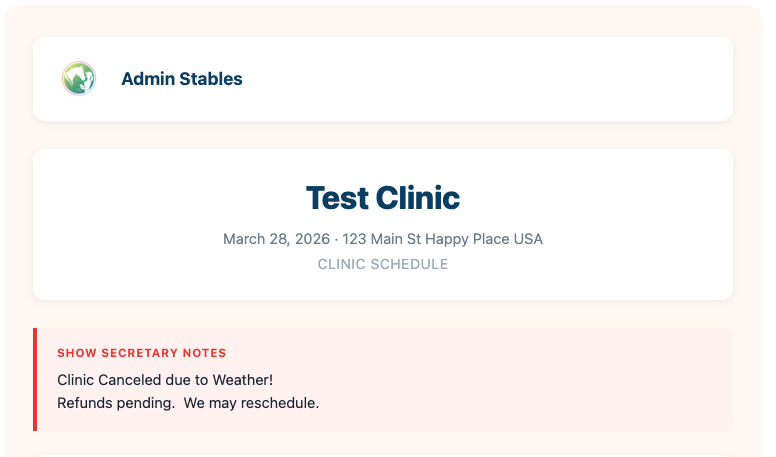
Why This Matters
- Keeps everyone informed in real time
- Reduces confusion and repeated questions
- Improves safety and communication