Search
Contacting EZ Show Manager Support
EZ Show Manager includes a built-in Support Ticket System so you can get help quickly and keep all communication in one place.
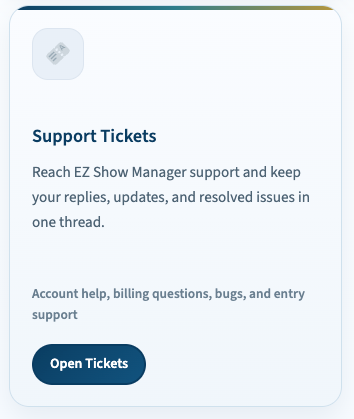
How to Access Support
- Go to My Dashboard
- Click Support Tickets
- Click Open Tickets or Create New Ticket
Creating a Support Ticket
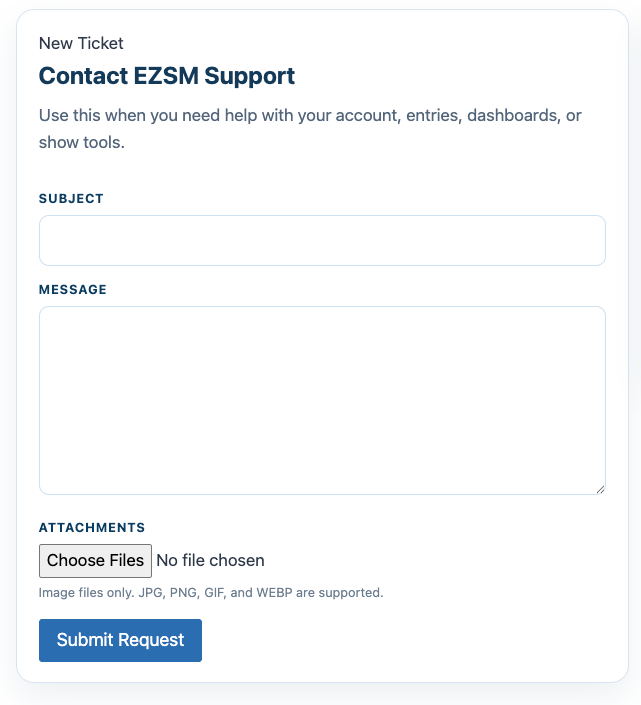
To submit a request:
- Enter a Subject
- Describe your issue in the Message field
- (Optional) Add attachments such as screenshots
- Click Submit Request
👉 Image files such as JPG, PNG, GIF, and WEBP are supported
Managing Your Tickets
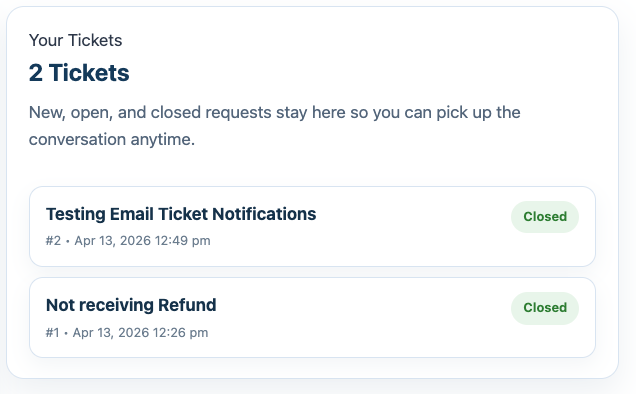
From the Support Tickets page, you can:
- View all tickets (New, Open, Closed)
- Click into any ticket to see the full conversation
- Reply directly to the support team
- Upload additional files
Ticket Conversations
Each ticket keeps everything in one thread:
- Your messages
- Responses from EZSM Support
- Attachments and updates
👉 This makes it easy to track progress and stay organized
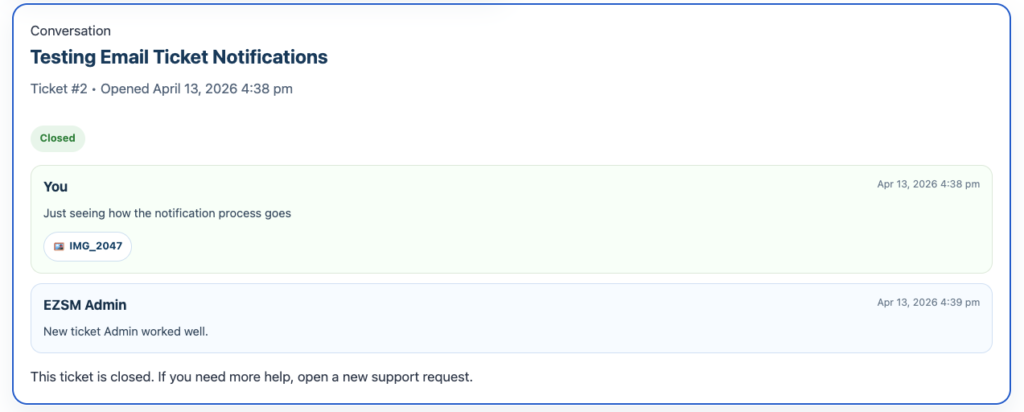
Closing a Ticket
If your issue is resolved:
👉 You can close the ticket yourself
- Closed tickets remain visible for your records
- You can always open a new ticket if needed
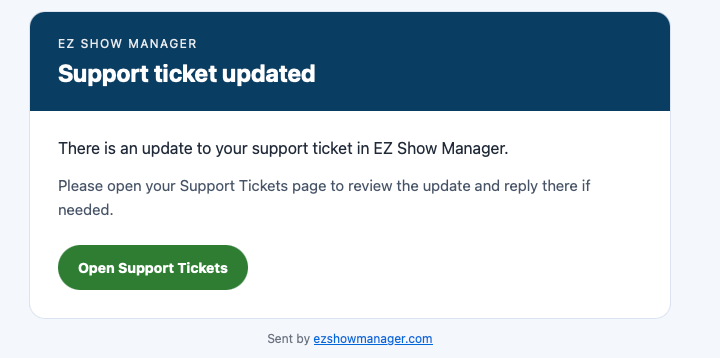
Email Notifications
You will receive an email when:
- Your ticket is updated
- A reply is added
👉 Each email includes a quick link back to your ticket