
Search
Posting a Public Note
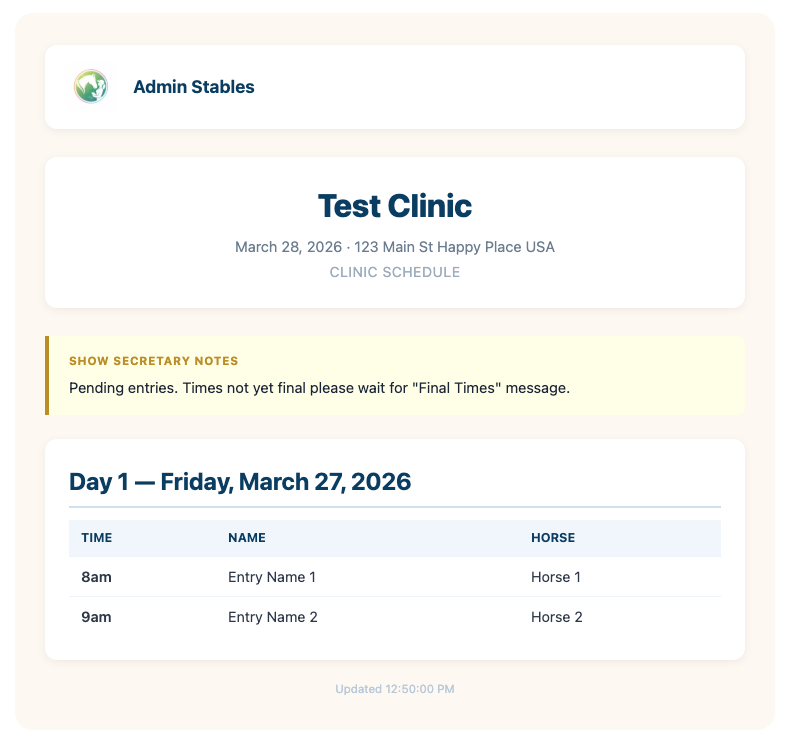
Public Notes allow you to communicate important updates directly on the Results Page.
How to Post a Note
- Go to the Secretary Office
- Click Public Note (in the header)
- Enter your message
- Save
Where the Note Appears
- Displayed at the top of the Results Page
- Visible to all exhibitors
Examples of Use
- “Class times not final yet please be patient”
- “Classes delayed 1 hour”
- “Safety meeting at 8:30 AM”
- “Ring change for Division 2”
Color Behavior
- Default: Yellow note card
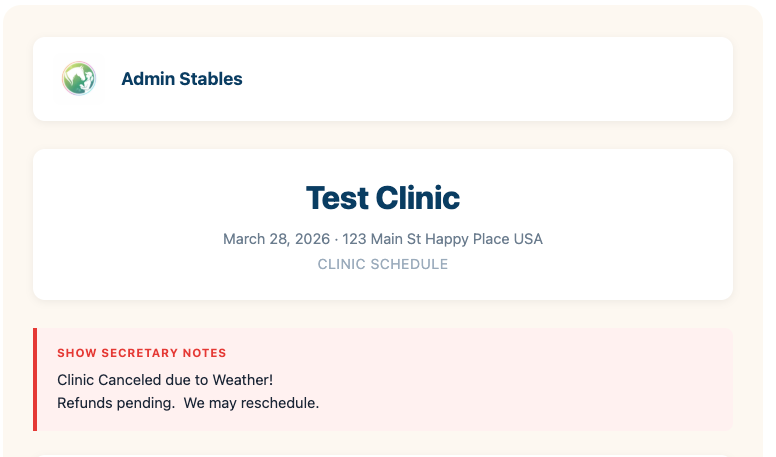
- If the word “Canceled” is used → card displays Red
Why This Matters
- Keeps everyone informed instantly
- Reduces repeated questions
- Improves safety and communication