
Search
Adding a Walk-In Entry
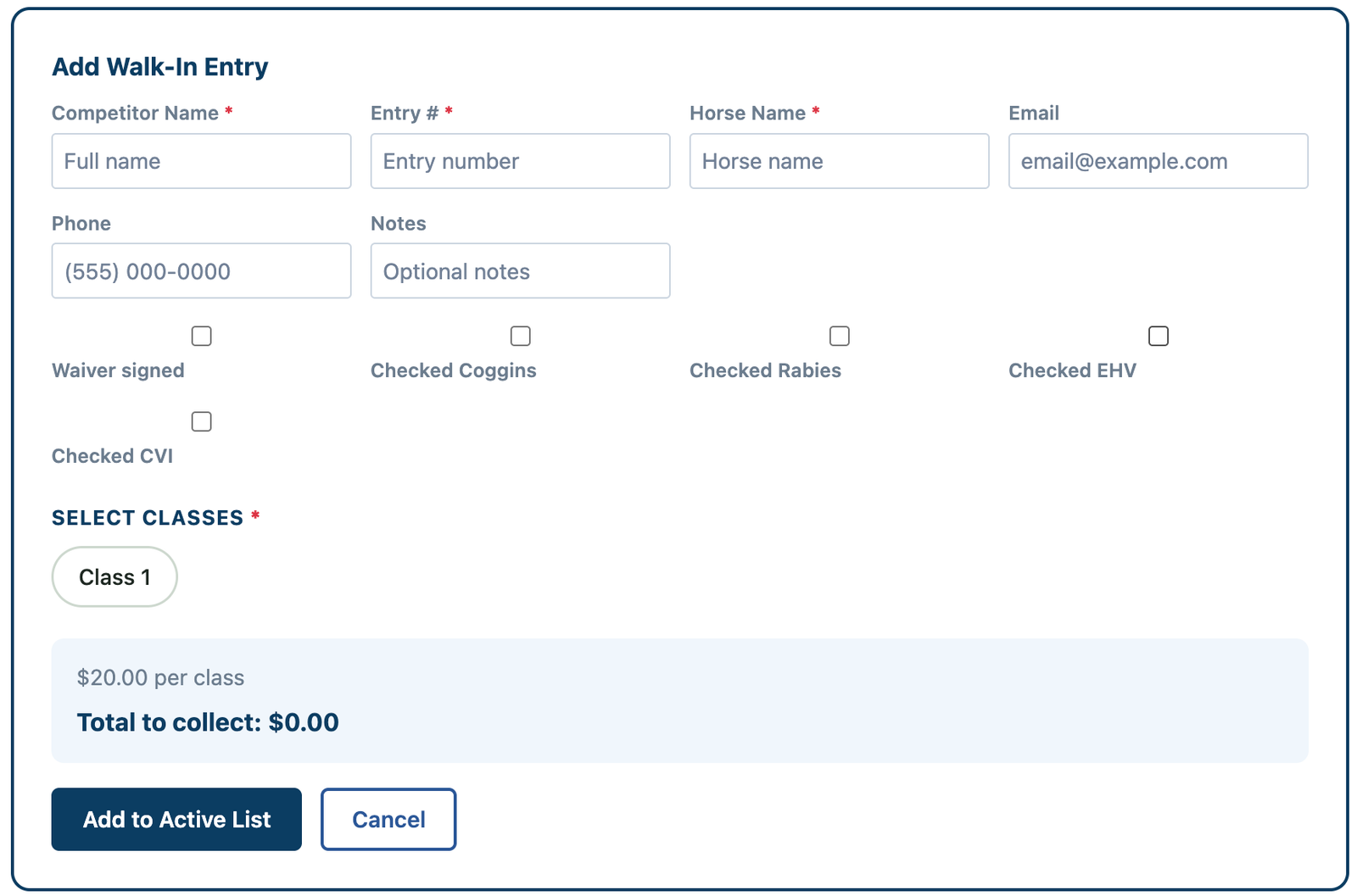
Walk-in entries can be added quickly on show day using the + Walk-In Entry tool.
How to Add a Walk-In Entry
- Go to the Secretary Office
- Click + Walk-In Entry (in the header)
- Enter the required information:
- Rider
- Horse
- Classes
- Add-ons (if applicable)
- Physical waiver signed
- Physical Health Records viewed
Automatic Calculations
The system will automatically:
- Calculate total fees
- Include add-ons
- Show the Amount to Collect
Cash Box Reminder
👉 Always collect the exact amount shown
- This ensures your Cash Box Total matches at the end of the day
What Happens Next
- The entry is added directly into the Active Entries list
- It appears in the correct class immediately
- It is included in results and reporting