
Search
Viewing Your Entry & Results
Your entry and results can be viewed on the show’s Results Page.
When Does the Results Page Appear?
The Results Page becomes available as soon as the first entry is approved by the secretary.
👉 Don’t see your name yet?
- The secretary may still be reviewing entries
- You may have missing or incomplete information
Need to Update Your Entry?
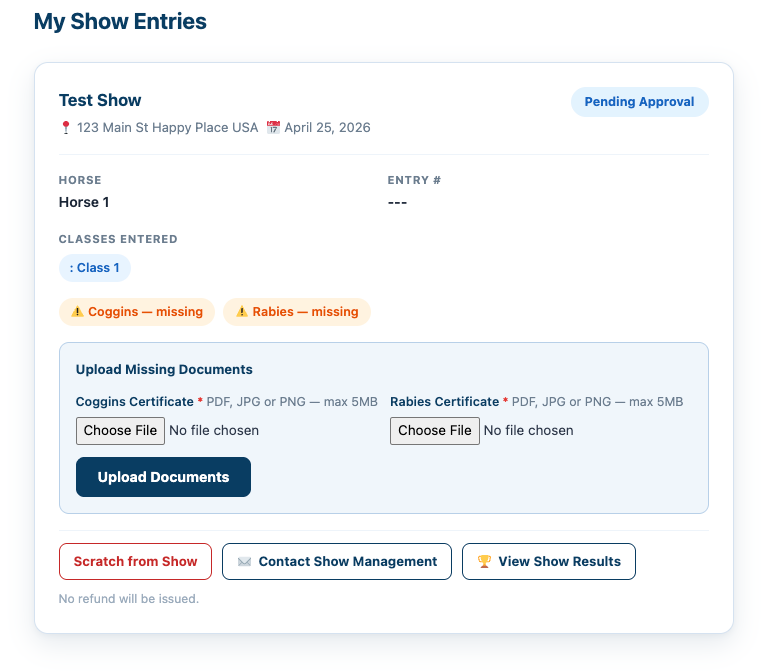
If documents or information are missing:
- Log into your account
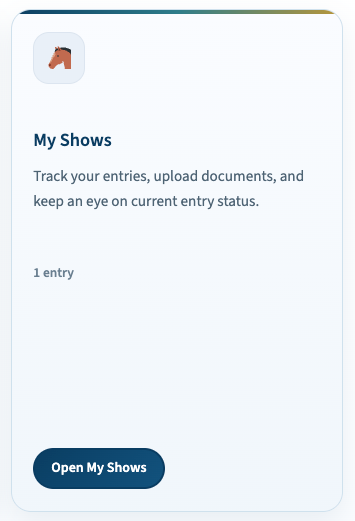
- Click My Shows
- Select the show
- Upload or update any required information
Before the Show
The Results Page is live and constantly updating as entries are approved.
You may see:
- Changes to class lists
- Updated entry order
- Clinic time adjustments
👉 Check back often as updates are made
Important: Results Are Not Final
The Results Page is not official until confirmed by the show secretary.
- Entries and schedules may change
- Always follow official communication from the secretary
During the Show
As classes are completed:
- Placings are entered by the secretary
- Results update automatically every 30 seconds
👉 You’ll see results almost immediately after they are recorded
Public Notes
Be sure to watch for notes posted at the top of the Results Page, such as:
- Schedule changes
- Delays
- Important announcements
Disputes or Questions
Any questions or disagreements must be directed to the:
👉 Show Secretary
⚠️ Once a show is closed, results and placings cannot be changed