
Search
Understanding Your Public Show Page
Your Public Show Page is your main hub for exhibitors.
This is where people will:
- Enter your shows or clinics
- View live results
- Return throughout the season
How to Access Your Public Page
Your Public Page link is located at the top of your:
👉 Show Manager Dashboard
This link is personalized to you and can be shared with exhibitors, posted on social media, or added to prize lists.

What Your Page Includes
Header Section
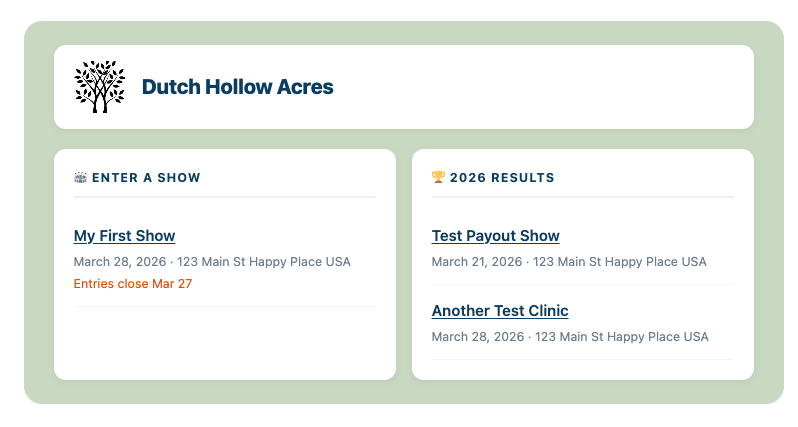
At the top of your page, exhibitors will see:
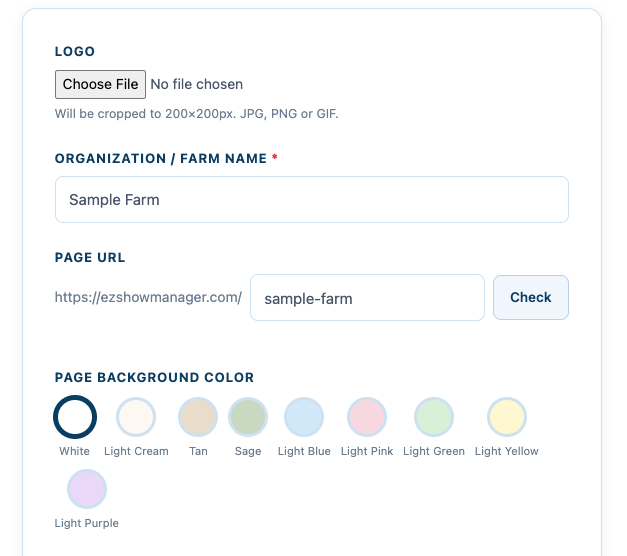
- Your Logo
- Your Organization / Farm Name
- Your selected background color (padding)
Enter a Show (Active Entries)
This section displays all shows or clinics that currently have entries open.
Exhibitors can:
- Click into a show
- Complete their entry
- Select any add-ons (stalls, lunch, etc.)
- Submit payment
Results Section (Current Year)
Your results are automatically organized by year.
For example:
👉 2026 Results
This section will display:
- Completed shows
- Live-updating results during events
- Final results after the show concludes
How Exhibitors Use This Page
Typical flow:
- Exhibitor visits your Public Page
- Selects a show under Enter a Show
- Submits their entry and payment
- Returns later to view results
Important Notes
- Only shows with open entries will appear in the entry section
- Results update live as they are entered by the secretary
- This page is your single link for everything — entries and results
Pro Tip
Share this page everywhere:
- Prize lists
- Facebook events
- Email blasts
- Barn group chats
👉 This replaces multiple links and keeps everything in one place