
Search
Show Manager Settings
Your Show Manager Settings control your branding, entry requirements, waiver setup, and payout configuration across all your shows.
You can access this page from your Show Manager Dashboard.
Logo & Organization Details
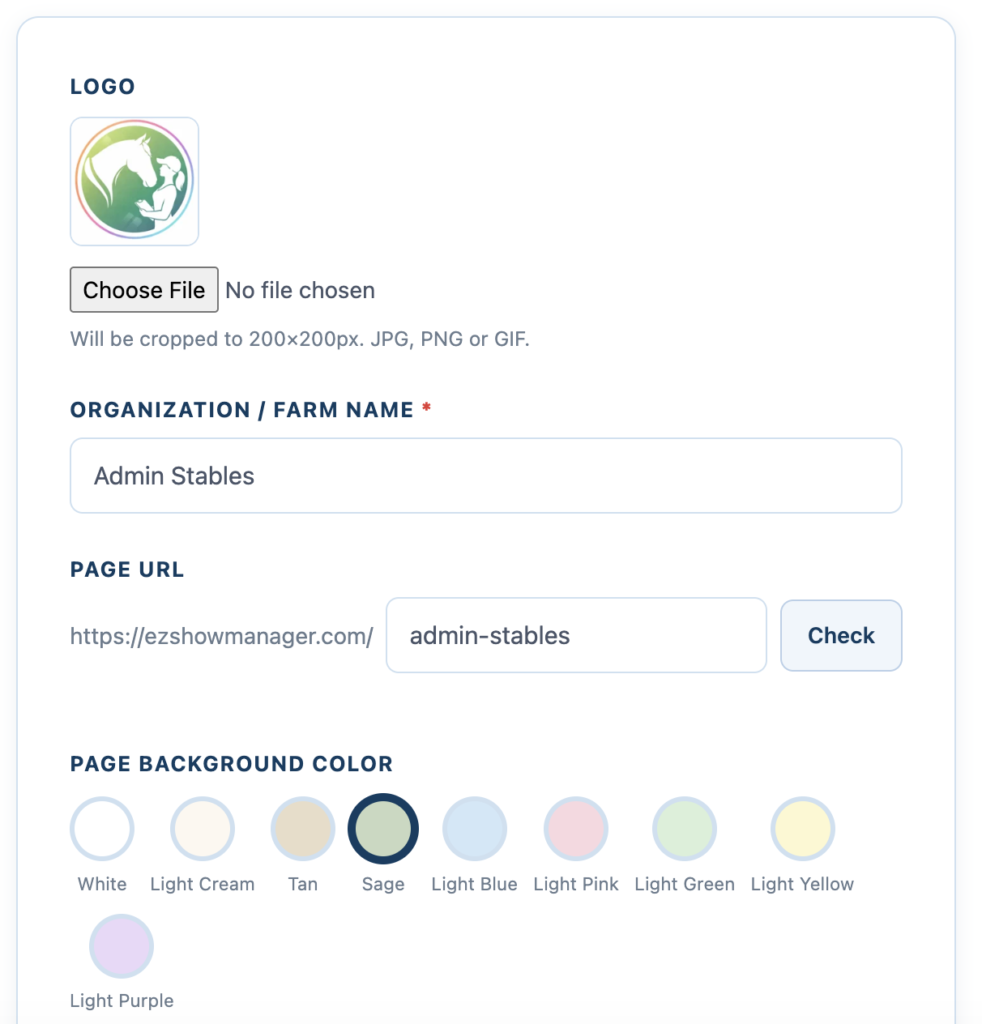
Set up your public-facing branding:
- Logo
- Upload an image (cropped to 200×200px)
- Supported formats: JPG, PNG, GIF
- Organization / Farm Name
- Displayed on your public show page and results
- Page URL
- Your personalized link (ex:
ezshowmanager.com/yourname) - Click Check to confirm availability
- Your personalized link (ex:
- Page Background Color
- Choose a color theme for your public page
- Applies to entry and results pages
Health Records
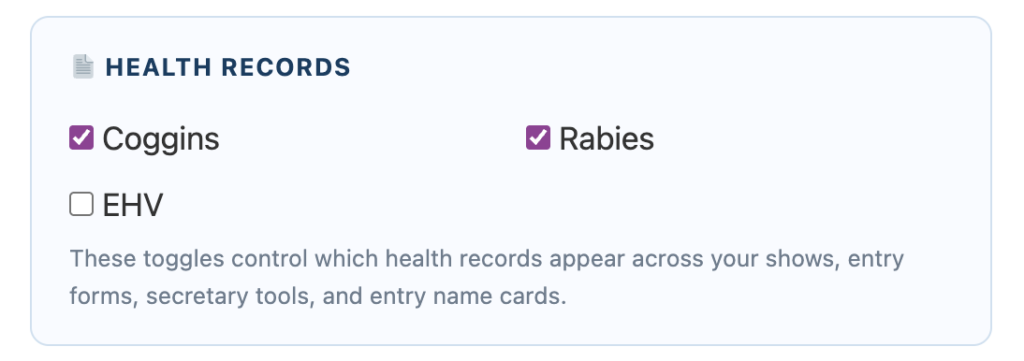
Control which health documents are required for entries:
- Coggins
- Rabies
- EHV (optional)
👉 These selections determine what entrants must upload and what is visible in:
- Entry Forms
- Secretary Dashboard
- Entry detail cards
Liability Waiver
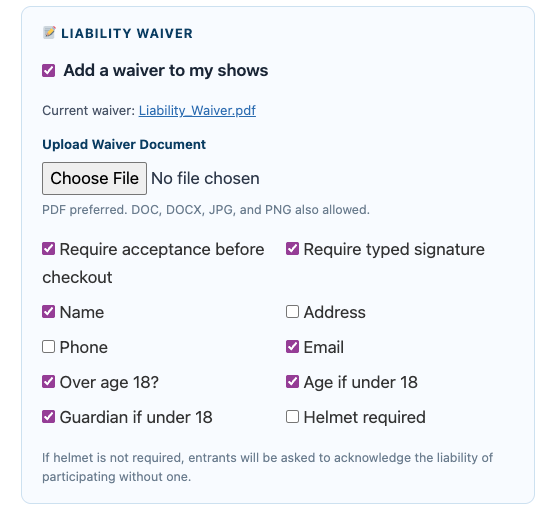
Add and manage your digital waiver:
- Upload your waiver document
- Require acceptance before checkout
- Require typed signature
- Choose which fields to collect:
- Name, Email, Phone, Address
- Age verification
- Guardian (if under 18)
- Helmet acknowledgment
👉 All waiver records are stored and accessible from your dashboard
Payout Method (Stripe)
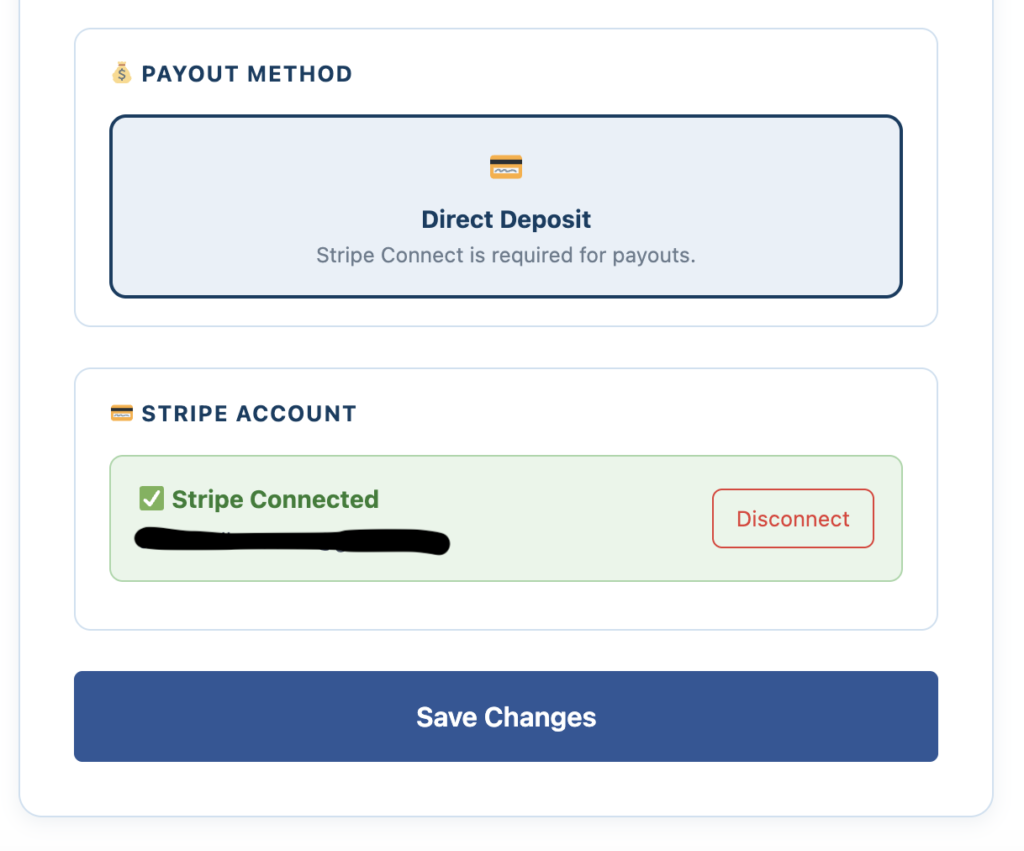
EZ Show Manager uses Stripe Connect for payouts.
Connecting Your Account
- Click to connect your Stripe account
- Follow Stripe’s setup process
👉 This allows:
- Entry fees to be processed
- Payouts to be sent directly to your bank
Account Status
- Displays Connected when active
- Option to Disconnect if needed
Saving Changes
After making updates:
👉 Click Save Changes
Why This Matters
- Sets your branding across all shows
- Controls required entry information
- Ensures compliance with your event requirements
- Enables payouts